
ThingsBoard vs Synacl: which IoT platform for a small fleet?
ThingsBoard and Synacl both put device data on dashboards and raise alarms, but they are built for different teams. ThingsBoard is a deep, source-available platform you can host yourself and program in detail; it rewards a team with a developer. Synacl is a hosted platform with the gateway built in: you flash an ESP32 from the browser and set up Modbus devices in a form, which suits a small industrial fleet run by people who are not software engineers. This page goes through the differences that decide which one fits.
Synacl is our product, so read this with that in mind. Every ThingsBoard fact below was checked against thingsboard.io on 8 October 2026, and we say plainly where ThingsBoard is the better choice. For the wider field, including ThingSpeak, Blynk, Datacake and the self-hosted options, see ThingsBoard alternatives.
The short answer
Choose ThingsBoard if you must self-host, you want a rule engine you can program in depth, you need protocols such as OPC-UA, BACnet, Siemens S7 or LoRaWAN, or you have developers who will own the stack.
Choose Synacl if your devices are Modbus meters, RS485 sensors or simple I²C and GPIO sensors, you want the gateway, its firmware and its updates handled for you, and the people running the system day to day are installers, electricians or plant staff rather than developers.
At a glance
| ThingsBoard | Synacl | |
|---|---|---|
| Hosting | Self-hosted (Docker, Ubuntu, Kubernetes, Raspberry Pi) or ThingsBoard Cloud | Hosted only |
| Licence | Business Source License 1.1 since v4.4 (September 2026). Free production use up to 100 devices on one server for commercial use, 1,000 for non-commercial, with ThingsBoard branding kept and a free licence key. Versions before 4.4 stay Apache 2.0 | Hosted service. The gateway protocol is published and the synacl-gateway package is Apache-2.0 |
| Free tier | Cloud: 5 devices, 1 million data points a month. Self-managed: 100 devices on one server | 5 devices, commercial use included |
| Pricing model | Cloud plans cap devices and data points; self-managed subscriptions by devices and servers | Plans by device count, no per-message or per-data-point charge |
| Getting Modbus / RS485 in | ThingsBoard IoT Gateway (Python) on a Linux box, PC or Raspberry Pi, with the Modbus connector configured in the gateway | ESP32 gateway flashed from the browser, registers entered in the web app |
| ESP32 | Official Arduino / ESP-IDF client library: you write and upload a sketch | Ready-made gateway firmware, no code |
| Protocols | MQTT, HTTP, CoAP, LwM2M, SNMP and Sparkplug B built in; the IoT Gateway adds OPC-UA, BACnet, S7, KNX, BLE, CAN and more | Modbus RTU and TCP, I²C, SPI, 1-Wire, GPIO, UART and CAN through the gateway; MQTT and HTTPS directly |
| LoRaWAN | Network integrations (ChirpStack, The Things Network and others) | Not supported |
| Processing | Rule chains: a programmable graph of filter, transform and action nodes | Threshold and event rules with email, webhook and MQTT actions; macros that run on the gateway |
| Dashboards | 600+ widgets | Dashboard builder with gauges, trend charts, SCADA-style widgets and P&ID mimics |
| Device firmware updates | OTA service; the device firmware implements the update client | Built into the gateway: A/B partitions with automatic rollback |
| Mobile app | Open-source Flutter app; a white-label app is a paid add-on | iOS and Android apps |
| Servers to run | Self-hosted: 8 GB RAM for a small production install; PostgreSQL, plus Cassandra and Kafka at scale | None |
The same job on both: one Modbus meter onto a dashboard
The clearest way to see the difference is to follow one common task: an RS485 energy meter in a panel, read over Modbus RTU and shown on a dashboard with an alarm.
With ThingsBoard
- Choose the gateway machine. The ThingsBoard IoT Gateway is a Python application, so it needs a Linux PC, an industrial PC or a Raspberry Pi with a USB-RS485 adapter. Install it with Docker, a deb or rpm package, or pip.
- Connect it to ThingsBoard. Create a gateway device in ThingsBoard and give the gateway its access token.
- Configure the Modbus connector. Set the serial port, baud rate and slave ID, then for each value the register address, function code, data type and byte and word order. This lives in the gateway's connector configuration, by file or in the gateway UI.
- Build the dashboard and the alarm. The readings arrive as telemetry keys on a device the gateway creates. Add widgets from the library and an alarm rule in the device profile or a rule chain.
- Keep the gateway machine running. It is a separate product with its own updates, on an operating system you patch.
With Synacl
- Flash the gateway. Plug an ESP32 into a laptop, open the web flasher in Chrome or Edge and choose Synacl gateway firmware. It takes about half a minute and nothing is installed.
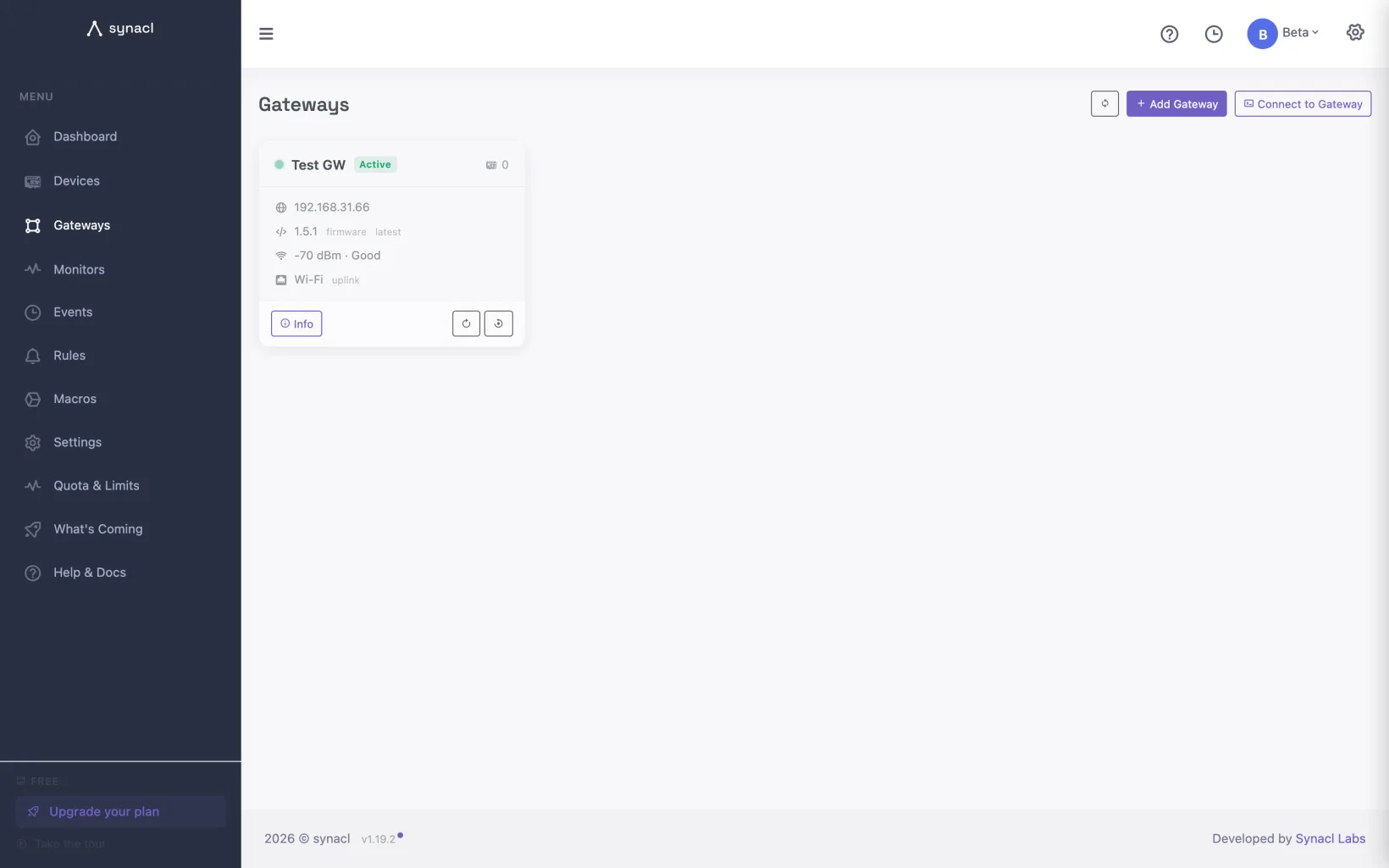
- Register it and give it Wi-Fi. In the app, Gateways → Add gateway registers the board and sends your Wi-Fi details over the same USB cable.
- Add the meter. Pick it from the device catalog if it is listed, or enter the registers in the form: slave ID, register address, format (for example 32-bit float and word order), scaling and unit for each value. There is no gateway config file to edit.
- Build the dashboard and the alarm in the web app: gauges and trend charts on a dashboard, and a rule such as "alert if phase 1 current is above 32 A" that sends an email or calls a webhook.
The full walkthrough with a real RS485 sensor is in ESP32 Modbus RTU to a cloud dashboard in 15 minutes, and reading a Modbus energy meter covers float32, word order and kWh counters.
Where ThingsBoard is the better choice
- Self-hosting and data residency. If the data must stay on your own servers, or on a site with no internet, ThingsBoard runs on your hardware and ThingsBoard Edge keeps a site working offline. Synacl is hosted only. Since version 4.4, free self-hosting for commercial use stops at 100 devices on one server, with an online licence key, so check the licence against your fleet size.
- Programmable processing. Rule chains are a graph you can program node by node, with scripts. Synacl's rules are thresholds and events with actions, deliberately simpler.
- Protocol breadth. CoAP, LwM2M and Sparkplug B are built in, and the IoT Gateway reaches OPC-UA, BACnet, Siemens S7, KNX and OCPP equipment. LoRaWAN comes through network integrations. Synacl has none of these: it reads Modbus and sensor buses through its ESP32 gateway and takes MQTT and HTTPS directly.
- Scale and ecosystem. Clustered deployments with Cassandra and Kafka, more than 600 widgets, a large community and a long track record. Synacl is sized for tens to a few hundred devices per account.
- Building your own product. Tenants and customers, white-labelling and a white-label mobile app are there for teams that sell a branded IoT product of their own.
Where Synacl is simpler
- The gateway is part of the platform. The firmware, its configuration and its updates come from the same web app as the dashboards. Firmware updates go over the air with A/B partitions and automatic rollback, and keep the gateway's settings; the OTA guide explains how.
- Field devices are configured in a form. Modbus RTU and TCP registers, I²C sensors, 1-Wire probes, GPIO, UART and CAN devices are set up in the web app, tag by tag, with scaling and units. Common meters and sensors come pre-filled from the device catalog.
- No server to run. There is no database, broker or message queue to size, back up or upgrade.
- Local logic stays local. Macros run on the gateway itself, so local automation keeps running when the internet doesn't.
- Diagnosis from a browser. Free browser tools test a Modbus device, decode frames, calculate CRCs and simulate a slave before you go on site, without an account.
- Billing does not count readings. Plans are priced by device count with no per-message or per-data-point charge, so reporting every 10 seconds costs the same as every 10 minutes within the plan's limits.
Pricing: how the bills behave
ThingsBoard Cloud plans cap both devices and data points, where one data point is one value. Free covers 5 devices and 1 million data points a month. Prototype is $49 a month for 50 devices and 10 million data points, Pilot $149 for 100 devices and 100 million, Startup $399 for 500 devices and 500 million, and Business $749 for 1,000 devices and a billion.
The data-point cap is the one to watch. Fifty devices sending four values every 10 seconds produce about 52 million data points a month. That is five times the Prototype allowance, so the bill is the $149 Pilot plan even though fifty devices fit the $49 one. Report every minute instead and Prototype is enough.
Self-managed ThingsBoard is free for commercial use up to 100 devices on one server. Paid self-managed subscriptions run from $99 to $499 a month (the top one covers 1,000 devices on three servers), and a perpetual licence starts at $4,999. Add the cost of the servers and of the time to run, back up and upgrade them.
Synacl plans are priced by device count. Readings are not billed one by one; each plan sets a per-device reporting rate, a fleet rate, retention and storage instead.
Synacl's first five devices are free, commercial use included, and the paid plans are listed on the pricing page with every limit side by side. Synacl is billed in USD.
Moving from ThingsBoard to Synacl
The part worth keeping is small. Export the register maps from the IoT Gateway's Modbus connector (slave IDs, addresses, function codes, scaling) and enter them as devices; write the rule chains you rely on down as plain sentences and rebuild them as rules; rebuild only the dashboards people actually open; and export the telemetry history you need to CSV before you switch off. Run both side by side on a few devices for a week first. The migration section of the alternatives guide has the details.
Frequently asked questions
Is Synacl open source? The platform is a hosted service and is not open source. The gateway protocol is published on the protocol page with a JSON Schema per message, and the synacl-gateway package for Linux machines is Apache-2.0 on GitHub. ThingsBoard's source is public; since version 4.4 (September 2026) it is under the Business Source License 1.1, and each release becomes Apache 2.0 four years after it ships. Versions before 4.4 stay Apache 2.0.
Can I run Synacl on my own servers? No. If self-hosting is a hard requirement, self-managed ThingsBoard is the better fit; check its free-licence limits against your fleet size.
Does ThingsBoard run on an ESP32? Not as a gateway. The ThingsBoard IoT Gateway is a Python application for Linux, Windows or a Raspberry Pi. For an ESP32 there is an official Arduino and ESP-IDF client library: you write or adapt a C++ sketch with your Wi-Fi details and device token, read your sensors in code, and upload it. Synacl's ESP32 firmware is ready-made: it is flashed from the browser and configured from the web app, with no code.
Can I use Synacl and ThingsBoard together? Yes. Synacl can forward readings to MQTT, webhooks, Kafka or InfluxDB, so a Synacl gateway fleet can feed a platform you already run, or the other way round while you migrate.
Which is cheaper? It depends on how often your sensors report. On ThingsBoard Cloud the bill follows data points as well as devices, so sensors that report often push you up a plan. On Synacl it follows device count. Self-hosted ThingsBoard has no licence fee up to 100 devices on one server for commercial use, but you pay for the server and for the time it takes to run it.
Try it on your own hardware
Synacl is free for five devices — no card, no sales call. Flash a gateway from the browser, add your first device, and see live data in a few minutes.